
Citation Styles & In-Text Citations
Choosing a citation style
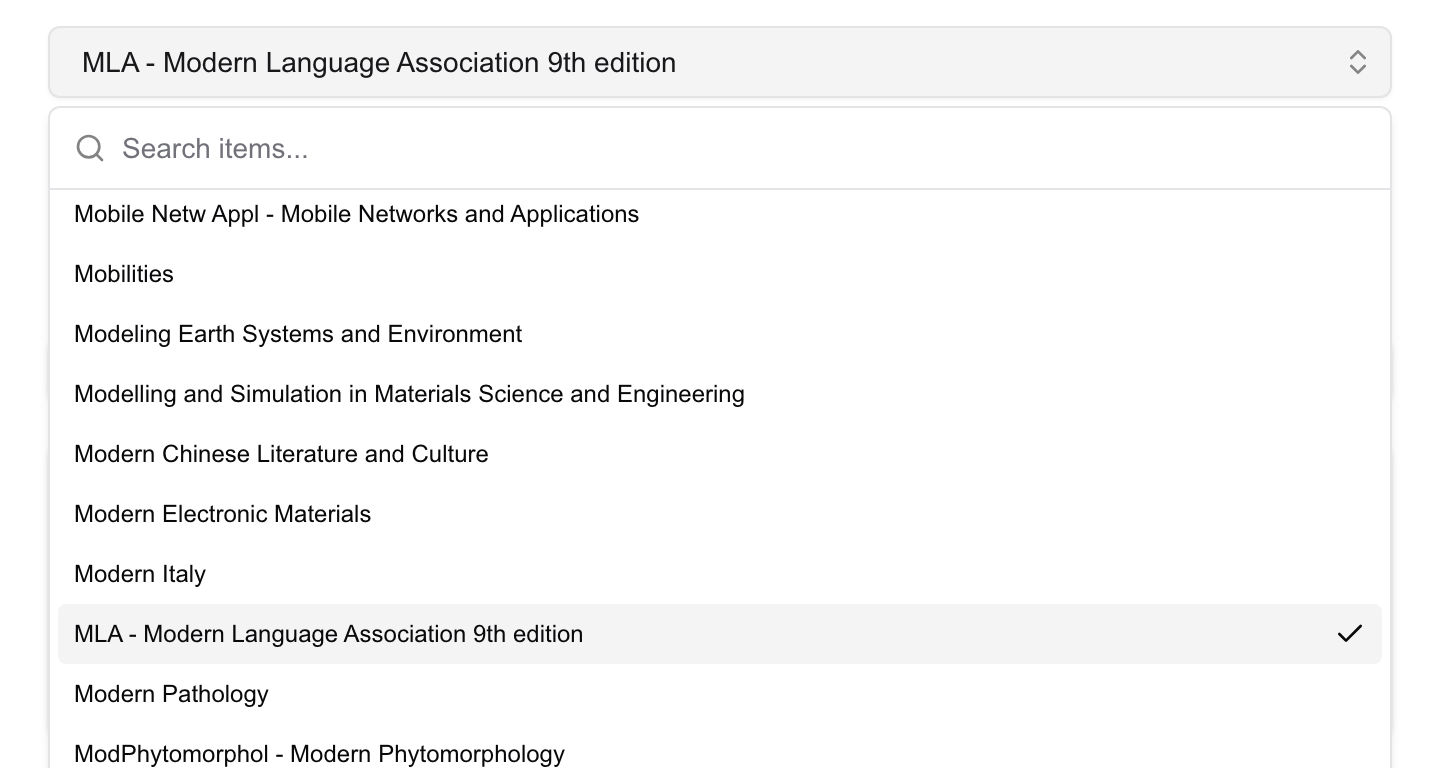
At the top of the side panel is the style menu. It opens with MLA selected and holds more than 10,000 styles, drawn from the same open Citation Style Language project that reference managers rely on. The common ones are all there — APA, Chicago (author–date and notes), IEEE, Vancouver, Harvard, AMA — alongside the house styles of individual journals such as Nature, Science, and Cell.
The list is long, so search it: start typing the name of a style or a journal and the menu narrows as you go. Pick the style your assignment or target journal asks for, and the reference updates right away. Your choice is remembered for the next article.
Copying the reference
Click Copy beneath the formatted reference. RefCopy copies it in two forms at once — rich text and plain text — and the place you paste into takes the right one:
- Paste into Word, Google Docs, or Pages and the formatting holds: italic journal titles, superscripts, and the rest.
- Paste into a plain-text editor and you get clean, unformatted text.
There’s nothing to decide between the two — copy, then paste wherever you need it.
Building an in-text citation
For a slide or a sentence you often want a short in-text citation rather than a full reference — something like (Smith et al., 2024). RefCopy builds one from the same article. Switch on the parts you want to include:
- Authors
- Journal
- Date
- DOI
- Parentheses — wrap the result in brackets, or leave it bare
The preview updates as you toggle, and a Copy button puts the result on your clipboard. It’s the quickest path when a citation manager would be overkill — a single reference on a presentation slide, for instance.
A quick check before you submit
RefCopy assembles each reference from the article’s DOI record, so its accuracy follows the accuracy of that record. Most of the time it’s exactly right. When a field looks off — a missing page range, an unexpected author order — the cause is usually the source metadata rather than the style itself. Read the reference through before you submit, and if the DOI is wrong, correct it in the panel. The FAQ covers what to do when something doesn’t look right.
Next: See the full publication data panel, or learn where to find a DOI.