
Quick Start
Here’s the whole flow, start to finish. It takes about a minute the first time and a few seconds after that.
-
Open the article. Go to the journal page for the paper you want to cite — for example on Nature, ScienceDirect, Springer, IEEE Xplore, or PLOS. RefCopy works across more than 100 publishers and databases.
-
Open the side panel. Click the arrow on the right edge of your browser to slide RefCopy out beside the page. If you don’t see it, pin the extension first.
-
Let RefCopy find the DOI. It reads the article’s DOI automatically and starts loading the reference and the publication details. If the DOI is wrong or wasn’t found, edit it and paste the correct one — see Introduction to DOI if you’re not sure where to look.
-
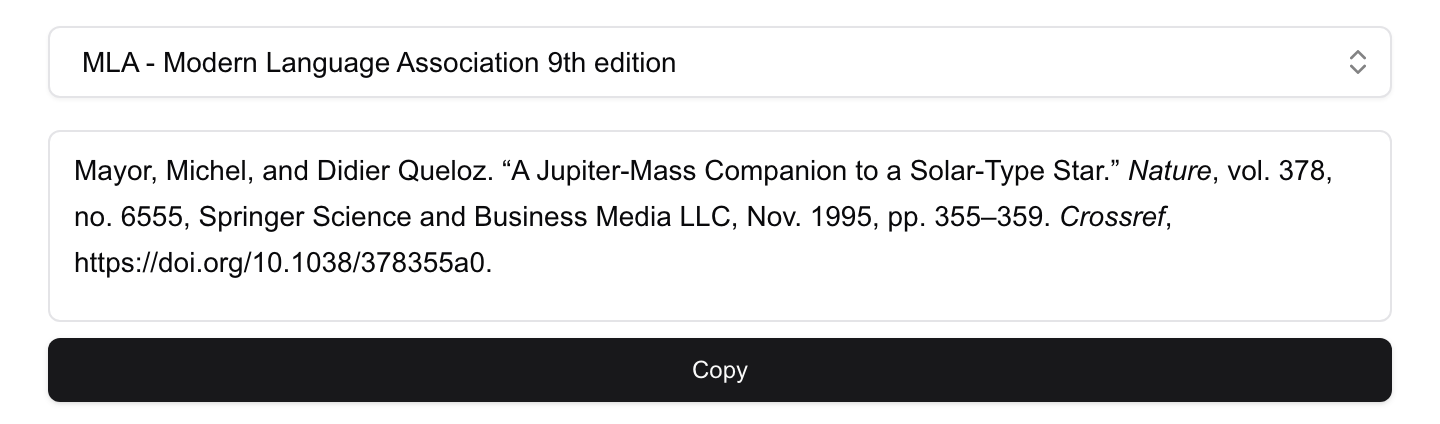
Choose a citation style. The style menu opens with MLA selected. Start typing to search the list — APA, Chicago, IEEE, Vancouver, or your target journal’s own style — and pick the one you need.
-
Copy and paste. Click Copy under the reference, then paste into Word, Google Docs, or Pages. Italics and other formatting come across intact.
RefCopy shows the formatted reference with a Copy button beneath it:
That’s the core loop. From here you can copy individual details like the authors or the DOI, build a short in-text citation, or check whether a free PDF is available.
Next: Go deeper on citation styles and in-text citations, or explore everything in the publication data panel.